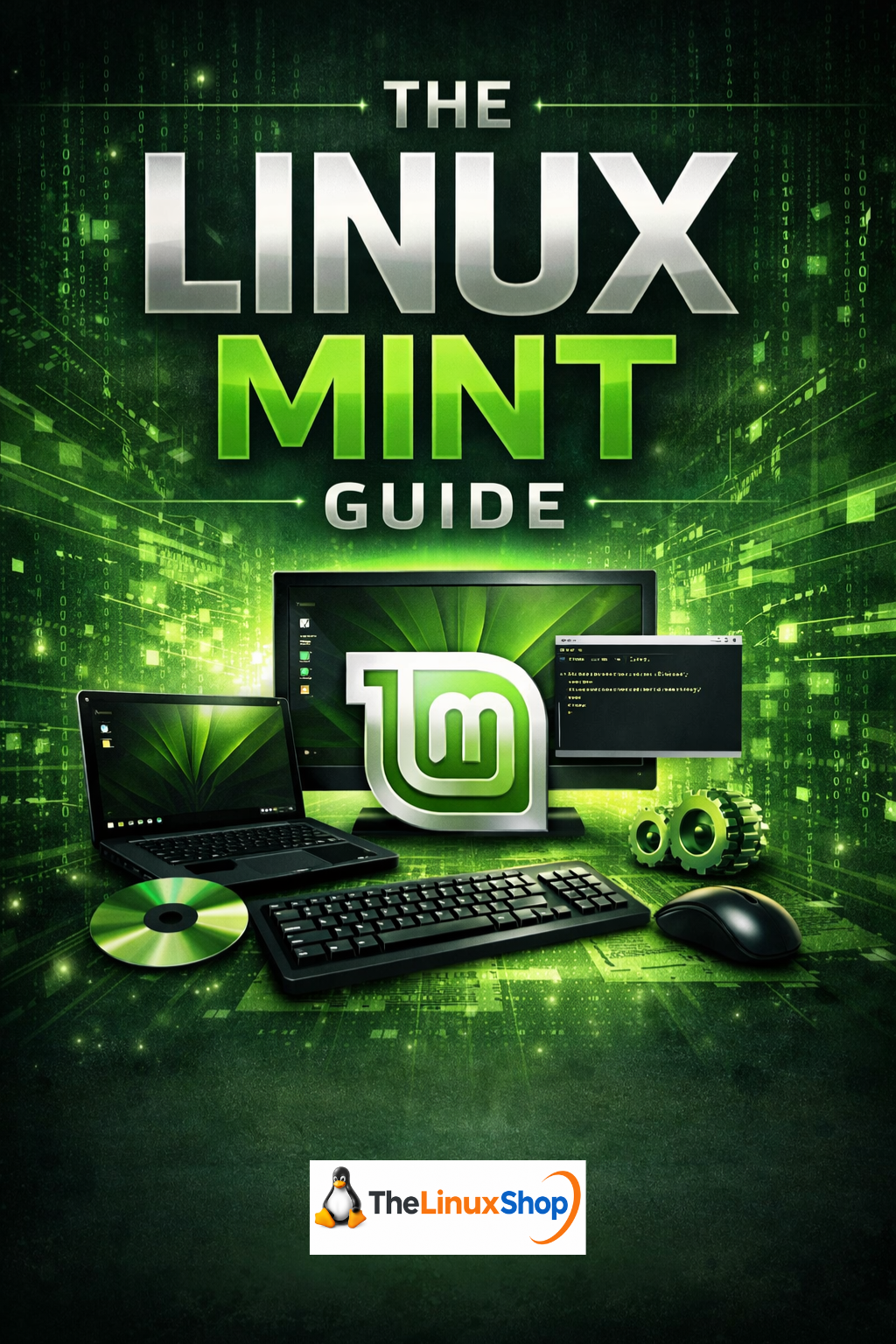
The Linux Mint Guide is a comprehensive manual written specifically for new Linux Mint users or Windows users making the move to Linux Mint. Across 23 carefully structured chapters, it takes you from your first look at Linux Mint all the way through to customising your desktop, staying secure, gaming, and becoming a confident everyday Linux user. Whether you are switching from Windows 10, preparing for the end of Windows 11 support, or simply curious about Linux, this guide gives you everything you need in plain, jargon-free English.
What You Will Learn:
- Choosing Your Edition - Cinnamon, MATE, Xfce, and LMDE explained so you pick the right one for your hardware
- Installing Linux Mint - Step-by-step installation guide, including dual booting alongside Windows
- The Desktop and File System - A full tour of Cinnamon, the Nemo file manager, and how Linux folders compare to Windows
- Software and App Management - Installing apps through the Software Manager, Flatpak, and the terminal
- Multimedia, Gaming, and Browsers - Codecs, Steam, Proton, Chrome, and streaming services all covered
- Security and Backups - UFW firewall, Timeshift snapshots, and keeping your system safe
- Customisation - Themes, panels, applets, keyboard shortcuts, and multi-monitor setups
Who This Guide is For:
- Windows Switchers - Every chapter uses Windows comparisons to make Linux concepts immediately clear
- Complete Beginners - No prior Linux knowledge required; the guide starts from zero and builds confidence gradually
- Anyone on Older Hardware - Covers lightweight editions like Xfce and MATE for older PCs and laptops
The guide walks you through real-world tasks you will face on day one: connecting to Wi-Fi, installing Google Chrome, opening Word documents in LibreOffice, setting up a printer, and running Windows applications with Wine. It covers the Linux Mint 22 release cycle in full, including 22.1 "Xia", 22.2 "Zara", and 22.3 "Zena", all based on Ubuntu 24.04 LTS with support through to April 2029. Every chapter is written with a Windows user in mind, translating Linux concepts into familiar terms so nothing feels alien.
Published by TheLinuxShop.co.uk, one of the UK's longest-established Linux retailers, this guide draws on over 20 years of experience helping everyday users get started with Linux. From understanding sudo and file permissions to gaming with Steam and Proton, setting up backups with Timeshift, and exploring open source alternatives to paid software like Photoshop and Microsoft Office, this guide covers the full journey from curious beginner to confident Linux Mint user.
The Linux Mint Guide is ideal for anyone who wants a reliable, trusted reference to keep close during their switch to Linux. It is the guide you wish existed the first time you tried Linux. Read it easily on your PC, Laptop, Tablet, Phone or Kindle.
Number of Pages: 244
Format: PDF
Availability: Instant Delivery via Download