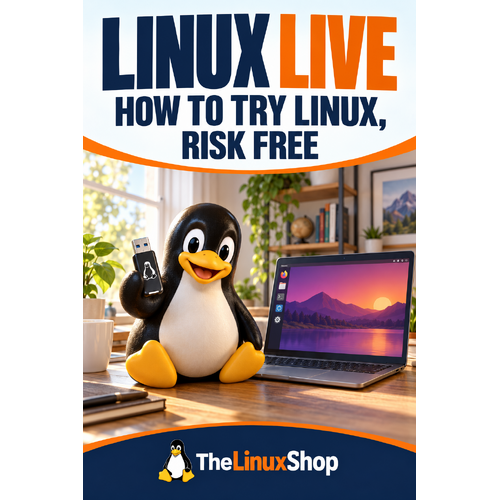
Curious about Linux but not ready to install it? Take it for a proper test drive from a USB stick first.
See Linux running on your own computer while the installed system remains in place. Create a live USB, use the boot menu and work through a hardware checklist so your opinion is based on a proper hands-on test. No jargon jungle, no techie showing off—just useful guidance you can follow at your own pace.
What’s Inside:
- Create verified live media - explained in everyday language, with the useful bits kept front and centre
- Boot without installing - covered through practical examples that make sense on a real computer
- Test essential hardware - broken into sensible steps so you always know what to do next
- Useful tips along the way - Small shortcuts, checks and explanations that save head-scratching later
- Confidence for the next step - Finish with a clearer idea of what to do and why you are doing it
Why You’ll Enjoy This Guide:
- Focused on real use - Move beyond installation and get the system ready for the things you enjoy doing.
- Honest about compatibility - Check games, hardware and features before discovering a problem the hard way.
- Plenty of room to explore - Start with a working setup, then personalise it as your confidence grows.
A handy Linux companion, wherever you read. The PDF format works nicely on a PC, laptop, tablet, phone or compatible e-reader. Download it, keep it nearby and dip back in whenever Linux throws you a new question.
Format: PDF Ebook
Availability: Instant delivery via download